Almost everything written about lead magnets is about the wrong half. People
spend a weekend designing a beautiful thirty-page ebook, export it, get almost
no subscribers, and conclude the design wasn't good enough.
It wasn't the design. A lead magnet is four things and only one of them is the
file. The other three decide whether it works — and there's one of them that
people get so consistently wrong it silently kills the whole thing.
In this tutorial we build the whole machine in Canva: the magnet itself, the
form that captures the address, the delivery that actually arrives, and the
page that turns a download into a customer.
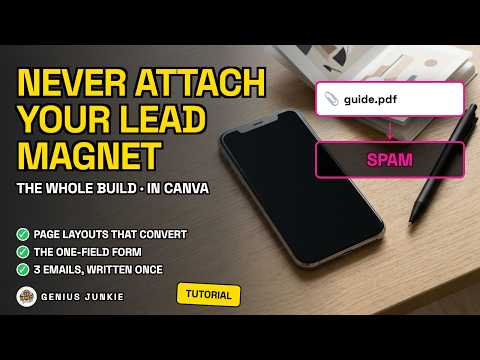
⚠️ The one thing to know: **never attach the PDF to the delivery email.**
Attachments are one of the most reliable ways to land in spam — mail providers
treat an attachment from a bulk sender as a risk and security software blocks
them. Mailchimp says so in its own documentation, which is exactly why it hosts
your file for you instead (capped at 10 MB). Host the file, and put a button in
the email that points at it.
📌 And an update most tutorials have missed: **Canva can capture an email now.**
Drop a form into a design, share it by public link, and the addresses land in a
Canva Sheet. That's genuinely useful and it's free — but a Sheet is a list of
addresses, not an email list. It doesn't send the file and it doesn't follow
anybody up.