Every pitch deck tutorial shows you how to lay one out. Almost none of them tell
you what happens to the file after you send it — which is the only part an
investor actually experiences.
Because a pitch deck is not a presentation you give. It is a file that gets
forwarded, opened without you in the room, and read in silence on somebody's
phone. So this builds all ten slides in Canva, in order — and then covers the
half nobody teaches.
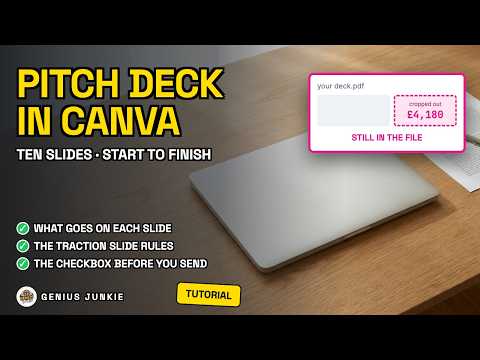
⚠️ The thing to know: **crop is a mask, not a delete.** Crop a screenshot to hide
a number you are not ready to share, export as a PDF, and the number is still in
the file. Canva's own documentation says a PDF export "will include the original
image", and that "someone could use a third-party tool (for example, a PDF
editor) to get the full, uncropped image from your PDF export."
✅ The fix is one checkbox — **Flatten PDF** — which Canva says "converts the file
into a static image, preventing editing in software like Adobe Acrobat" and
"ensures fonts display accurately". It makes the file bigger. Tick it anyway.
📝 And the checkbox sitting right next to it: **Include notes**. It exists so you
can print your own cue cards. Tick it by accident and you have emailed an
investor every private speaker note you wrote to yourself.
🖥️ On PowerPoint, in Canva's own words: PPTX files "may look different when
opened in Microsoft PowerPoint", you may need to install the fonts you used, and