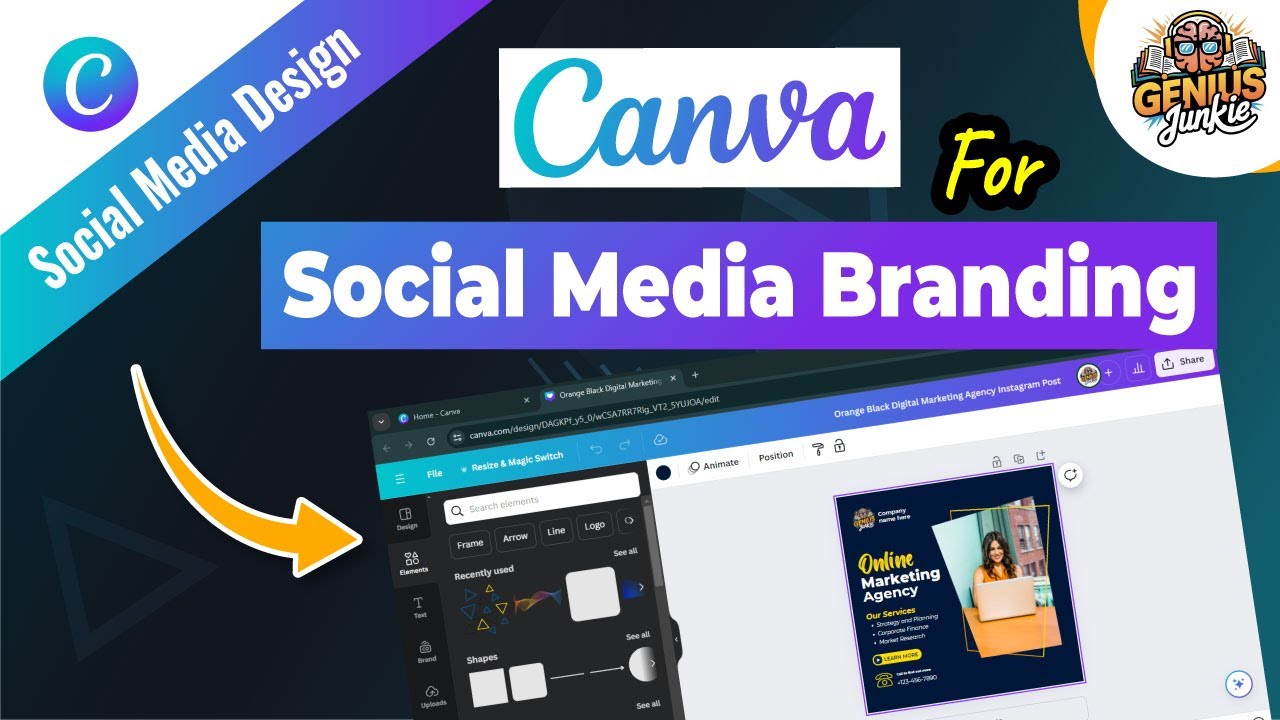
Master Your Social Media Branding with Canva!
Hey there, Genius Junkies! Welcome back to the channel. If you're ready to stop scrolling and start standing out, you're in the right place. Today, we're diving deep into a topic every entrepreneur, marketer, and content creator needs to master: social media branding with Canva. No design degree? No problem! Canva makes it incredibly easy to craft a consistent, professional, and eye-catching brand presence across all your platforms.
Why Strong Social Media Branding is Non-Negotiable
In today's crowded digital landscape, simply posting content isn't enough. Your brand needs to be instantly recognizable and memorable. Here’s why a strong visual brand identity on social media is crucial:
- Instant Recognition: When someone sees your post, they should immediately know it's yours, even before reading a word.
- Builds Trust & Credibility: A consistent, professional look makes your brand appear more reliable and established.
- Stands Out from the Crowd: Unique branding helps you cut through the noise and capture attention.
- Communicates Your Values: Your visuals tell a story about who you are, what you offer, and your brand's personality.
- Drives Engagement: Visually appealing content is more likely to stop the scroll and encourage interaction.
Canva: Your Ultimate Branding Sidekick
Canva has revolutionized design, putting powerful tools into the hands of everyone. It’s perfect for social media branding because it offers:
- User-Friendly Interface: Drag-and-drop functionality means you can create stunning designs without any prior experience.
- Abundant Templates: A massive library of professionally designed templates provides a fantastic starting point for any platform.
- Brand Kit Functionality: (Especially for Canva Pro users!) Store your brand colors, fonts, and logos for instant application, ensuring consistency across all your designs.
- Extensive Asset Library: Access to millions of stock photos, illustrations, icons, and elements to enhance your visuals.
How to Master Your Social Media Branding with Canva
Ready to put Canva to work? Follow these steps to create a cohesive and captivating brand presence:
- Define Your Brand's Visual Identity: Before you even open Canva, know your brand inside and out. What are your core colors (get those hex codes!), preferred fonts (a primary, secondary, and accent), and the overall mood or aesthetic you want to convey?
- Utilize Canva's Brand Kit: If you have Canva Pro, this is a game-changer. Upload your logos, set your brand color palette, and define your brand fonts. This ensures every new design automatically defaults to your brand's look.
- Create Core Templates for Each Platform: Design a few go-to templates for different types of posts (e.g., promotional, quote, tips, question) for each social media platform you use. Remember, dimensions vary (Instagram vs. Pinterest vs. Facebook). Once you have these, duplicate and customize!
- Maintain Visual Consistency: Every piece of content you put out should feel like it belongs to your brand. Use your defined colors, fonts, logo placement, and imagery style consistently. This builds strong brand recall.
- Leverage High-Quality Visuals (Wisely!): Use Canva's vast library of stock photos and elements, or upload your own. Ensure they align with your brand's aesthetic and message. Avoid generic imagery that doesn't resonate with your audience.
- Batch Your Content Creation: Once your templates are set, you can efficiently create multiple posts at once. This saves time and ensures a smooth, consistent content flow.
Key Takeaways
- Consistency is paramount for strong social media branding.
- Canva makes professional-level branding accessible to everyone.
- Define your brand's visual identity (colors, fonts, logo) first.
- Utilize Canva's Brand Kit for effortless consistency.
- Create and reuse platform-specific templates.
- High-quality, on-brand visuals are essential.
There you have it, Genius Junkies! With these tips and Canva by your side, you're well on your way to mastering your social media branding. Want to see all these strategies in action? Make sure to watch the full video tutorial: Master Social Media Branding with Canva | Genius Junkie on our YouTube channel!
Don't forget to hit that subscribe button and click the bell icon so you never miss our latest Canva tips and tutorials. What are your favorite Canva branding hacks? Share them in the comments below!