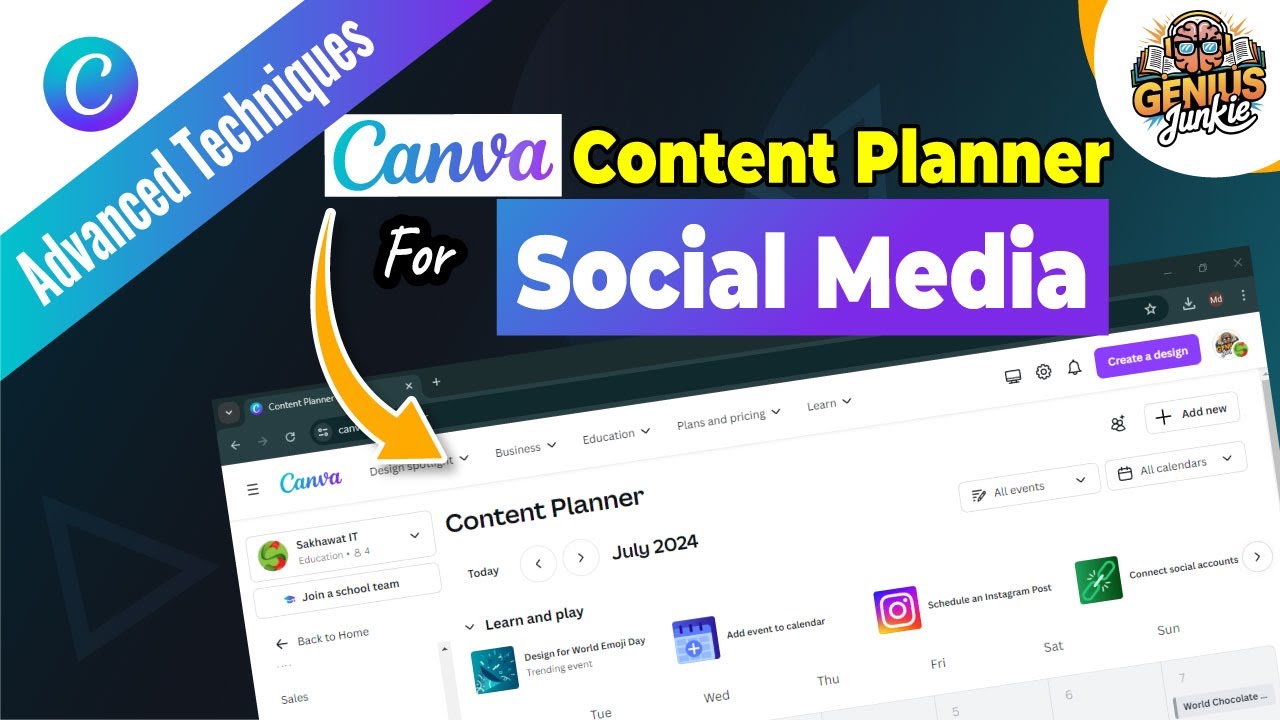
Conquer Your Social Media Calendar with Canva's Content Planner!
Welcome, fellow creative geniuses and savvy business owners, to Genius Junkie! Are you constantly battling the social media beast, struggling to keep your content consistent and your posting schedule on track? We get it. The endless cycle of designing, writing captions, and manually posting can be exhausting, leaving you feeling overwhelmed instead of inspired.
But what if there was a way to streamline your entire social media strategy, freeing up your precious time to focus on what you do best? Enter Canva's Content Planner – your new best friend for effortless social media management. In our latest Genius Junkie video, we dive deep into this powerful tool, and this blog post gives you the essential rundown to get started!
What is Canva's Content Planner?
Think of Canva's Content Planner as your central command center for all things social media. It's an integrated feature within Canva that allows you to design your stunning visuals, craft engaging captions, and then schedule them directly to your connected social media platforms – all from one intuitive dashboard. No more jumping between multiple apps or scrambling to post at the last minute!
It's designed to help content creators, marketers, and business owners maintain a consistent online presence, visualize their content strategy, and automate the tedious parts of social media management.
Accessing and Navigating Your New Command Center
Getting started with the Content Planner is a breeze:
- Log in to Canva: Head over to your Canva account.
- Find the Planner: On the left-hand sidebar of your Canva homepage, look for "Content Planner" and click on it.
- Connect Your Accounts: Before you can schedule, you'll need to connect your social media accounts (Facebook Pages, Instagram Business, LinkedIn Pages, Pinterest, Twitter, etc.). Canva walks you through this simple process.
Once inside, you'll see a clear calendar view, making it easy to visualize your upcoming posts and identify any gaps in your strategy.
Scheduling Your Social Media Posts Like a Pro
This is where the magic happens! With the Content Planner, scheduling is incredibly intuitive:
- Create a New Post: Click on a date in your calendar or the "Create" button.
- Choose or Create Your Design: You can select an existing design from your Canva projects or create a brand-new one on the spot. Canva's vast library of templates makes this super fast!
- Add Your Details:
- Select Platform(s): Choose which social media accounts you want the post to go to.
- Write Your Caption: Craft engaging text, add relevant hashtags, and include any calls to action.
- Set Date & Time: Pick the exact day and time you want your post to go live.
- Schedule It! Review everything and hit "Schedule Post." That's it! Your content is now queued up and ready to publish automatically.
Optimizing Your Content Calendar for Maximum Impact
To truly master your social media strategy with Canva's Content Planner, consider these best practices:
- Batch Your Content Creation: Dedicate specific blocks of time to design and write several posts at once. This significantly boosts efficiency.
- Utilize Canva Templates: Maintain brand consistency and speed up your design process by using pre-made or custom templates for recurring content types.
- Plan Ahead: Look at your calendar weeks or even months in advance. Anticipate holidays, promotions, and trending topics to create relevant content.
- Analyze & Adjust: While Canva's planner is for scheduling, always keep an eye on your social media analytics (on the respective platforms) to understand what resonates with your audience and adjust your future content accordingly.
Say goodbye to last-minute panic and hello to a calm, organized social media presence. Canva's Content Planner empowers you to be more strategic, more consistent, and ultimately, more successful online. Ready to see it in action? Be sure to watch our full step-by-step video guide on the Genius Junkie channel!
Key Takeaways
- Canva's Content Planner centralizes your social media design and scheduling.
- Easily connect multiple social media accounts to one platform.
- Schedule new or existing Canva designs directly to your chosen platforms.
- Streamline your workflow by batching content creation.
- Maintain brand consistency with templates and proactive planning.
- Free up time to focus on creative strategy rather than manual posting.