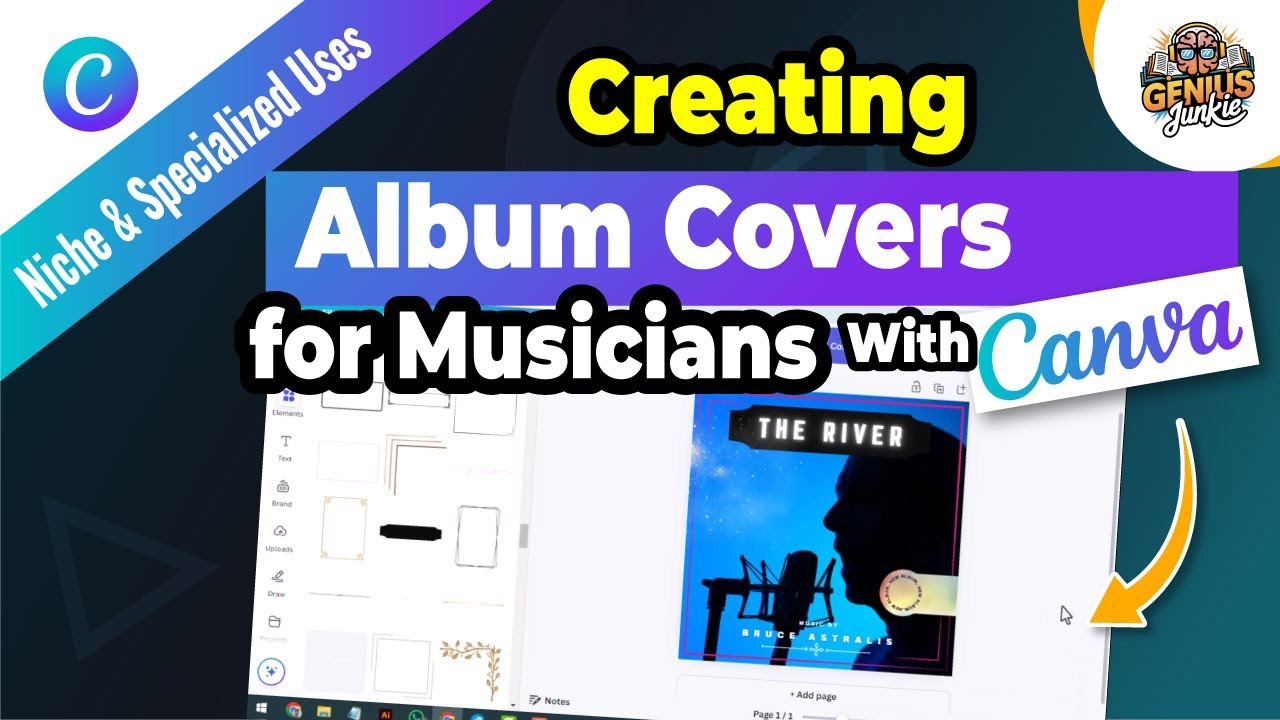
Unleash Your Music's Visual Power: Designing Album Covers in Canva
Hey Genius Junkies! Ever wondered how to make your music truly pop, not just with sound, but with stunning visuals? For musicians, bands, and artists, your album cover isn't just a pretty picture—it's the first handshake with your audience, a visual sneak peek into your sonic world. A great album cover grabs attention, communicates your genre, and leaves a lasting impression. But professional design can feel daunting, right?
That's where Canva comes in! As your go-to platform for easy, impactful design, Canva empowers you to create album covers that look like they cost a fortune, without breaking the bank or requiring advanced design skills. In our latest YouTube tutorial, we dive deep into the process, and this blog post gives you the full breakdown.
Why Your Album Cover is a Game Changer
In today's crowded music landscape, a compelling album cover is more important than ever. It's what listeners see first on streaming platforms, social media, and digital stores. It helps:
- Grab Attention: Stand out in a sea of thumbnails.
- Communicate Your Vibe: Instantly convey your genre, mood, and artistic identity.
- Build Your Brand: Reinforce your unique aesthetic and make you memorable.
- Tell Your Story: Offer a visual narrative that complements your music.
Getting Started: Your Canva Canvas
Ready to transform your musical vision into visual art? Let's get started in Canva!
- Open Canva: Log in to your Canva account.
- Search for "Album Cover": Use the search bar to find pre-sized templates. Canva automatically sets the perfect dimensions (typically 3000x3000 pixels for most digital distributors, ensuring high resolution).
- Choose Your Starting Point: Browse thousands of professionally designed templates. You can pick one that resonates with your style and customize it, or start with a blank canvas for complete creative freedom.
Key Elements of a Standout Album Cover
The video tutorial emphasizes these crucial components for a cohesive and captivating design:
1. Visuals: The Heart of Your Cover
Your main image is everything. Whether it's a striking photograph, an abstract illustration, or a minimalist graphic, it needs to be high-quality and reflective of your music.
- Photography: Use professional shots of yourself, your band, or a concept that aligns with your music.
- Illustrations/Graphics: Explore Canva's vast library of elements, or upload your own.
- Licensing: Always ensure you have the rights to use any images you incorporate. Canva's stock photos are generally safe!
2. Colors: Setting the Mood
Colors evoke emotion and can instantly tell a story. Think about your music's genre and message:
- Warm Tones (reds, oranges, yellows): Energy, passion, warmth.
- Cool Tones (blues, greens, purples): Calmness, mystery, sophistication.
- Monochromatic: Sleek, modern, dramatic.
- Complementary: Visually dynamic and vibrant.
Use Canva's color palette tools to ensure harmony and contrast.
3. Fonts: Speaking Your Style
Typography isn't just about readability; it's a design element that expresses personality.
- Serif Fonts: Classic, elegant, traditional (think rock, folk).
- Sans-Serif Fonts: Modern, clean, minimalist (electronic, pop).
- Script/Display Fonts: Unique, artistic, expressive (indie, R&B).
Pro Tip: Stick to one or two complementary fonts to avoid a cluttered look. Ensure your artist name and album title are legible, even at small sizes.
Your Step-by-Step Design Journey in Canva
Follow these steps to bring your vision to life:
- Upload Your Assets: Bring in your band photos, logos, or custom illustrations.
- Place Your Main Visual: Drag and drop your chosen image onto the canvas. Adjust its size and position. Use Canva's background remover if needed.
- Add Your Text: Insert text boxes for your artist name and album title. Experiment with different fonts, sizes, and colors.
- Refine with Elements: Browse Canva's 'Elements' tab for shapes, lines, frames, and icons to add depth and interest.
- Apply Filters & Effects: Enhance your images with filters or adjust brightness, contrast, and saturation directly in Canva.
- Ensure Readability: Make sure all text stands out against the background. Use shadows, glows, or contrasting shapes behind text if necessary.
- Review & Export: Double-check for typos, alignment, and overall balance. Once perfect, click "Share" and "Download" as a PNG or JPG in the highest possible quality.
Key Takeaways
- Simplicity is Key: Don't overcrowd your design. Less is often more.
- Know Your Audience: Design with your genre and target listener in mind.
- Consistency is Crucial: Ensure your cover reflects your music's mood and your artistic brand.
- High Resolution Matters: Always download in the highest quality for professional results.
- Get Feedback: A fresh pair of eyes can spot things you missed.
Creating a stunning album cover in Canva is not just possible, it's incredibly fun and rewarding! With these tips and the detailed guidance from our video tutorial, you're ready to design artwork that not only looks professional but truly represents the heart and soul of your music. Now go forth and make some visual magic!