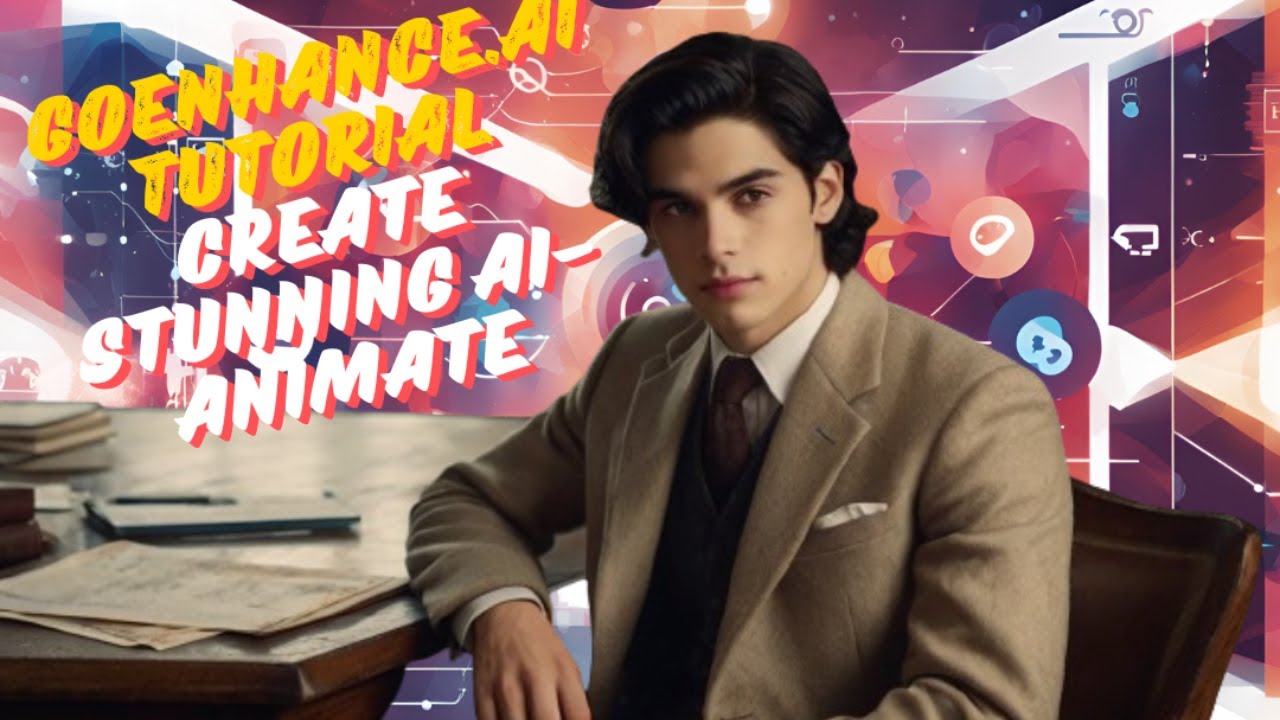
Unleash Your Creativity with GoEnhance.ai: Your Designs, Now Animated!
Hello, Genius Junkies! Are you constantly looking for ways to make your designs pop, stand out, and truly captivate your audience? Whether you're a Canva wizard crafting social media posts or an Etsy entrepreneur showcasing your latest products, getting noticed is key. What if we told you there's a revolutionary AI tool that can transform your static images into dynamic, eye-catching animations with just a few clicks? Get ready to meet your new creative superpower: GoEnhance.ai!
In today's fast-paced digital world, animation isn't just for big studios anymore. It's an essential tool for engaging viewers, telling stories, and making your content unforgettable. GoEnhance.ai makes this accessible to everyone, no complex software or animation skills required. It’s perfect for adding that extra spark to your marketing materials, product mockups, or even just for fun!
What is GoEnhance.ai and Why Do You Need It?
GoEnhance.ai is an innovative artificial intelligence platform designed to effortlessly animate your images. Imagine taking a beautiful illustration, a product photo, or a striking graphic and watching it come alive with subtle movements, dynamic effects, or even full character animations. This tool uses advanced AI algorithms to understand your image and apply intelligent motion, saving you hours of manual animation work.
For our Genius Junkie community, this means:
- Boosting Engagement: Animated content grabs attention far more effectively than static images.
- Saving Time: Forget complex keyframing. AI handles the heavy lifting in minutes.
- Enhancing Your Brand: Create professional-looking animated visuals without a professional animator.
- New Creative Possibilities: Turn ordinary designs into extraordinary experiences.
Your Step-by-Step Guide to AI Animation with GoEnhance.ai
Ready to dive in? Our full YouTube tutorial walks you through every click, but here’s a quick overview of how simple it is to get started with GoEnhance.ai:
- Visit GoEnhance.ai: Head over to their website and sign up or log in. The interface is super user-friendly!
- Upload Your Image: Choose the static image you want to animate. This could be anything from a Canva design, an Etsy product photo, or even a personal illustration.
- Select Your Animation Style: GoEnhance.ai offers various animation options. You might choose subtle movements for a product, a dynamic effect for a background, or even specify character actions if your image features people or animals.
- Tweak and Customize: The AI will generate an initial animation. You can often adjust parameters like speed, intensity, or specific areas of focus to get it just right.
- Preview and Generate: Watch a preview of your animated masterpiece. Once you're happy, hit "Generate" to finalize your video.
- Download and Share: Download your new AI-animated video in your preferred format. Now you can upload it to social media, embed it on your website, or use it in your Etsy listings!
Key Takeaways for Genius Junkies
- GoEnhance.ai makes professional-quality animation accessible to everyone.
- It's a fantastic tool for increasing engagement on social media and Etsy.
- You don't need prior animation experience – the AI does the hard work!
- Transform static designs into dynamic videos in just a few simple steps.
- Perfect for enhancing product mockups, marketing materials, and digital art.
Don't just take our word for it – see the magic happen! We’ve put together a comprehensive tutorial on our YouTube channel, @GeniusjunkieYT, to guide you through every feature of GoEnhance.ai. You'll be creating stunning AI-animated videos in no time!
Ready to animate your world? Click the link to watch our full "GoEnhance.ai Tutorial" now! And while you're there, don't forget to LIKE the video, SUBSCRIBE to Genius Junkie for more design and Etsy tips, COMMENT with your questions, and SHARE this incredible tool with your creative community!