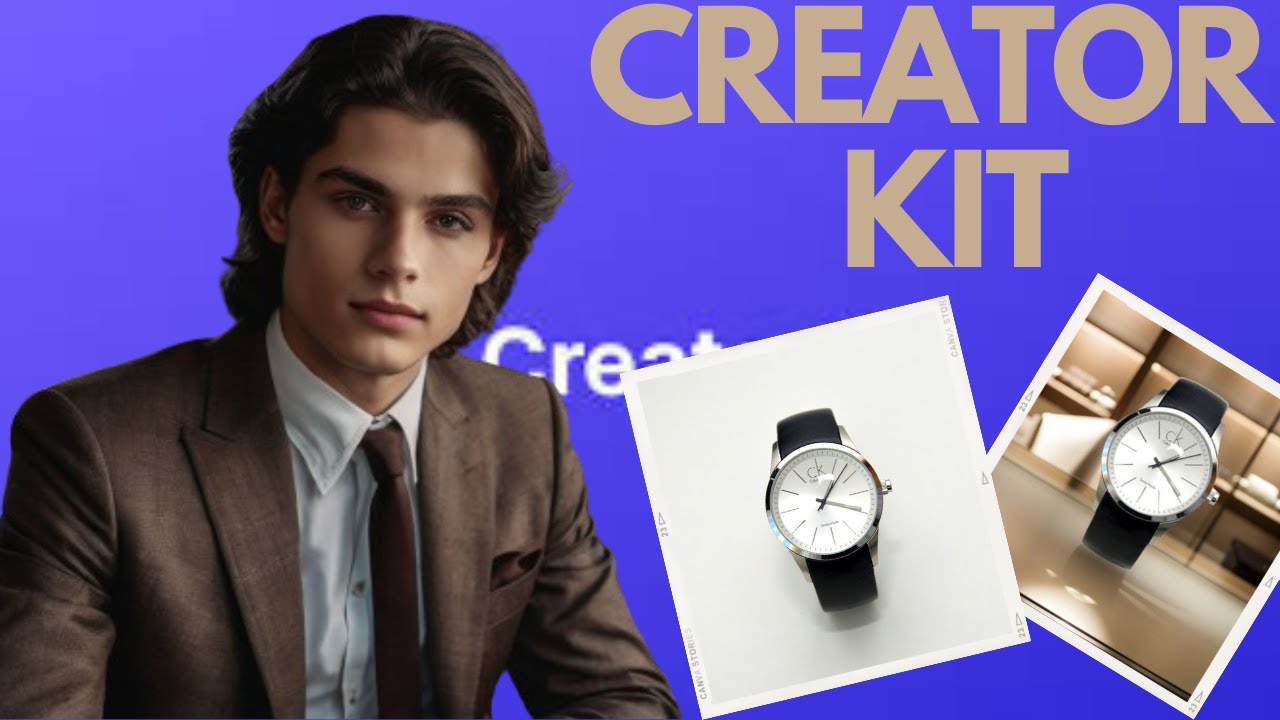
Revamp Your Images: CreatorKit Editing Hacks You Need to Know!
Are your images falling flat? Do your Etsy listings blend into the crowd, or your Canva designs lack that professional polish? We get it. In the competitive world of digital design and e-commerce, captivating visuals aren't just a bonus – they're a necessity. That's why we at Genius Junkie are beyond excited to introduce you to CreatorKit, your new secret weapon for image transformation!
We've just dropped a brand-new video, "Revamp Your Images: CreatorKit Editing Hacks You Need to Know," where we dive deep into how this incredible tool can elevate your visuals from dull to dazzling. But before you hit play, let's explore some of the game-changing hacks CreatorKit brings to your design arsenal.
What is CreatorKit and Why Is It a Game-Changer for You?
Imagine a world where complex image editing tasks become effortless. That's CreatorKit! It's an intuitive platform designed to help creators, small business owners, and Etsy sellers transform their ordinary photos into professional, eye-catching masterpieces without needing advanced graphic design skills. Whether you're sprucing up product photos, creating stunning social media graphics, or enhancing your blog visuals, CreatorKit makes it simple.
Genius Junkie's Top CreatorKit Editing Hacks You Need to Master
Our video tutorial breaks down these hacks in detail, but here’s a sneak peek at what makes CreatorKit truly revolutionary:
- Instant Background Removal: Say goodbye to clunky selection tools! CreatorKit's AI-powered background removal is lightning-fast and incredibly precise. Perfect for isolating product photos for your Etsy shop or creating clean, professional graphics in Canva.
- Effortless Color Correction & Enhancement: Is your image looking a bit dull or off-color? CreatorKit offers intuitive sliders and one-click presets to adjust brightness, contrast, saturation, and even apply cinematic color grades. Make your product colors pop exactly as they appear in real life!
- Dynamic Filters & Effects: Beyond basic adjustments, CreatorKit boasts a library of creative filters and effects. Add a vintage vibe, a modern matte finish, or a vibrant pop to instantly change the mood and style of your images. Experiment to find your unique aesthetic.
- Smart Resizing & Cropping for Every Platform: No more guesswork! CreatorKit allows you to quickly resize and crop your images to fit specific dimensions for Instagram, Pinterest, Etsy banners, or blog headers. Maintain aspect ratios and ensure your visuals always look their best, no matter where they're displayed.
- Batch Editing Magic: This is a massive time-saver for anyone managing multiple product photos or a series of social media posts. Apply the same edits, filters, or resizing to an entire batch of images with just a few clicks. Efficiency at its finest!
- Seamless Integration into Your Workflow: While CreatorKit is powerful on its own, its edited images can be easily exported and imported into your favorite design tools like Canva, making your entire creative process smoother and more efficient.
Elevate Your Canva Designs and Etsy Listings Today!
With CreatorKit, you're not just editing images; you're crafting experiences. You're making your products irresistible and your designs unforgettable. Stop struggling with complicated software and start creating visuals that truly stand out.
Ready to see these hacks in action? Dive into our full YouTube tutorial, "Revamp Your Images: CreatorKit Editing Hacks You Need to Know," and watch us walk through each step. Don't forget to like the video, subscribe to Genius Junkie for more design and Etsy tips, and leave us a comment with your favorite CreatorKit hack!
Key Takeaways
- CreatorKit is an intuitive tool for transforming ordinary images into captivating visuals.
- Key hacks include instant background removal, effortless color correction, and dynamic filters.
- Utilize smart resizing for various platforms and save time with batch editing.
- CreatorKit helps elevate your Canva designs and make your Etsy listings pop.
- Watch the Genius Junkie video for a full, step-by-step tutorial on mastering these hacks.