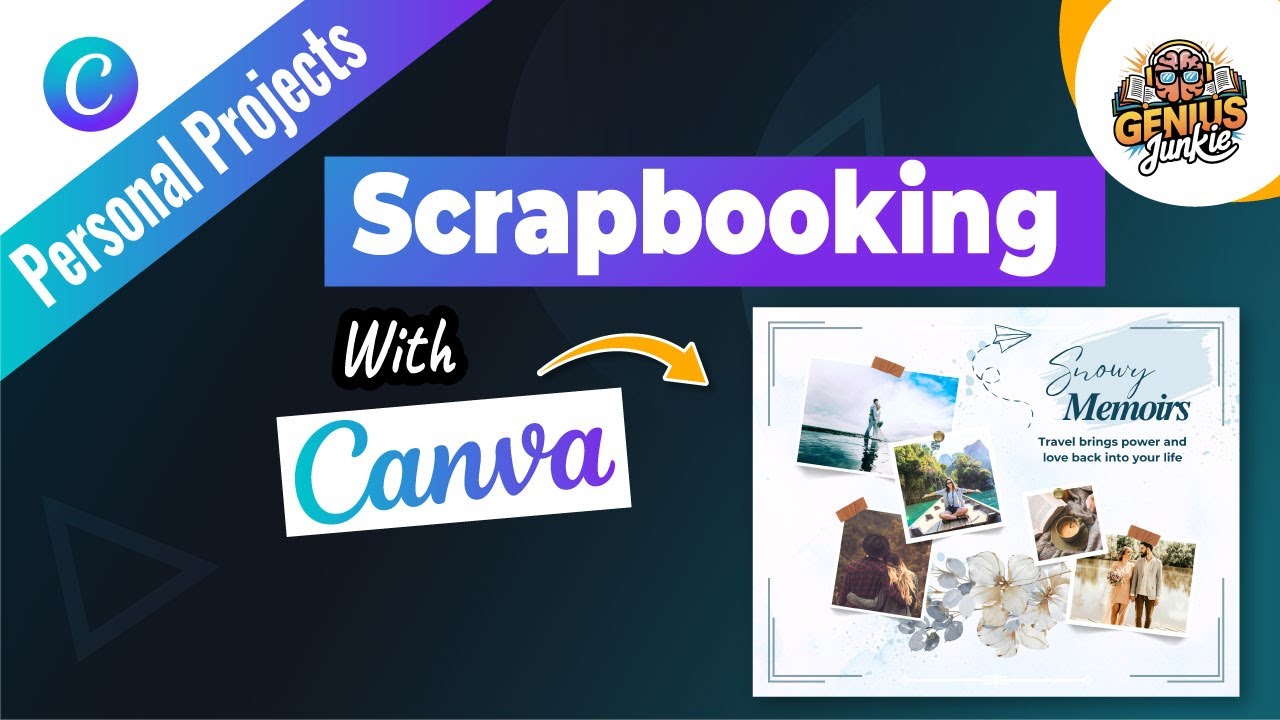
Go Digital with Your Memories: Scrapbooking in Canva!
Do you love the idea of scrapbooking but find yourself short on time, space, or supplies? What if we told you that you could create breathtaking, personalized scrapbooks without any glue sticks or glitter explosions? Welcome to the wonderful world of digital scrapbooking with Canva!
Here at Genius Junkie, we're all about making design accessible and fun. In this guide, inspired by our latest YouTube tutorial, we're diving deep into how Canva can transform your cherished photos and memories into stunning digital keepsakes. Whether it's a once-in-a-lifetime vacation, a special family event, or just the beautiful moments of everyday life, Canva makes preserving your story easier and more creative than ever.
Why Digital Scrapbooking with Canva?
Moving your scrapbooking hobby online comes with a heap of benefits:
- Endless Creativity: Access to thousands of templates, fonts, graphics, and elements.
- Convenience: Design anywhere, anytime, without needing physical supplies.
- Easy Editing: Made a mistake? No problem! Undo, redo, or completely change your layout with a click.
- Shareability: Easily share your finished scrapbooks with friends and family online, or print them into beautiful books.
- Cost-Effective: Say goodbye to expensive paper, stickers, and embellishments – many Canva elements are free or part of a Pro subscription.
Your Step-by-Step Guide to Digital Scrapbooking in Canva
Ready to turn your photos into a digital masterpiece? Let's get started!
- Step 1: Choose Your Canvas – Selecting a TemplateCanva is packed with incredible starting points! Head over to Canva and search for "scrapbook" or "photo album." You'll find a vast array of templates, from minimalist to whimsical, modern to vintage. Pick one that resonates with your project's theme. Don't worry, every element is customizable, so it's just a springboard!
- Step 2: Personalize Your Pages – Layout & BackgroundsOnce you've selected a template, it's time to make it your own. Experiment with different background colors or textures. You can change the layout of photo frames, move text boxes, and even swap out decorative elements. Think about the mood you want to convey and adjust the colors and overall aesthetic to match.
- Step 3: Bring Your Memories to Life – Adding PhotosThis is where the magic happens! Upload your photos directly into Canva. You can drag and drop them into existing photo frames within your template, or add new frames from the "Elements" tab. Canva makes it super simple to resize, crop, and even apply filters to your images to ensure they look their best.
- Step 4: Tell Your Story – Text & JournalingA scrapbook isn't complete without your personal touch and stories. Add text boxes to include dates, locations, anecdotes, or heartfelt messages. Canva offers a huge selection of fonts – choose ones that complement your design and are easy to read. Play with font sizes, colors, and effects to make your journaling pop!
- Step 5: Add Personality – Stickers & Creative ElementsThis is where you can truly let your creativity shine! Dive into Canva's "Elements" library. Search for stickers, illustrations, lines, shapes, frames, and more that fit your theme. Want a vintage feel? Search for "retro stickers." Documenting a trip? Look for "travel icons." These little details add so much character and visual interest to your pages.
- Step 6: Review, Refine & Share!Before you finalize your masterpiece, take a moment to review each page. Check for consistency in design, readability of text, and overall flow. Once you're happy, you can download your digital scrapbook in various formats (PDF Print for high quality, JPG/PNG for sharing online) or even order prints directly through Canva. Share your creation with pride!
Key Takeaways
- Canva offers an intuitive platform for creating beautiful digital scrapbooks.
- Start with a template, then personalize every aspect from colors to layouts.
- Easily upload and arrange your photos using Canva's drag-and-drop features.
- Utilize text boxes and a variety of fonts to tell the stories behind your pictures.
- Enhance your pages with stickers, graphics, and other creative elements from Canva's library.
- Digital scrapbooks are easy to share online or print as physical keepsakes.
Start Creating Your Digital Masterpiece Today!
Digital scrapbooking with Canva opens up a world of creative possibilities, allowing you to preserve your most cherished memories in a beautiful, lasting format. It's fun, easy, and incredibly rewarding. Don't forget to check out our full step-by-step video tutorial on the Genius Junkie YouTube channel for a visual walkthrough!