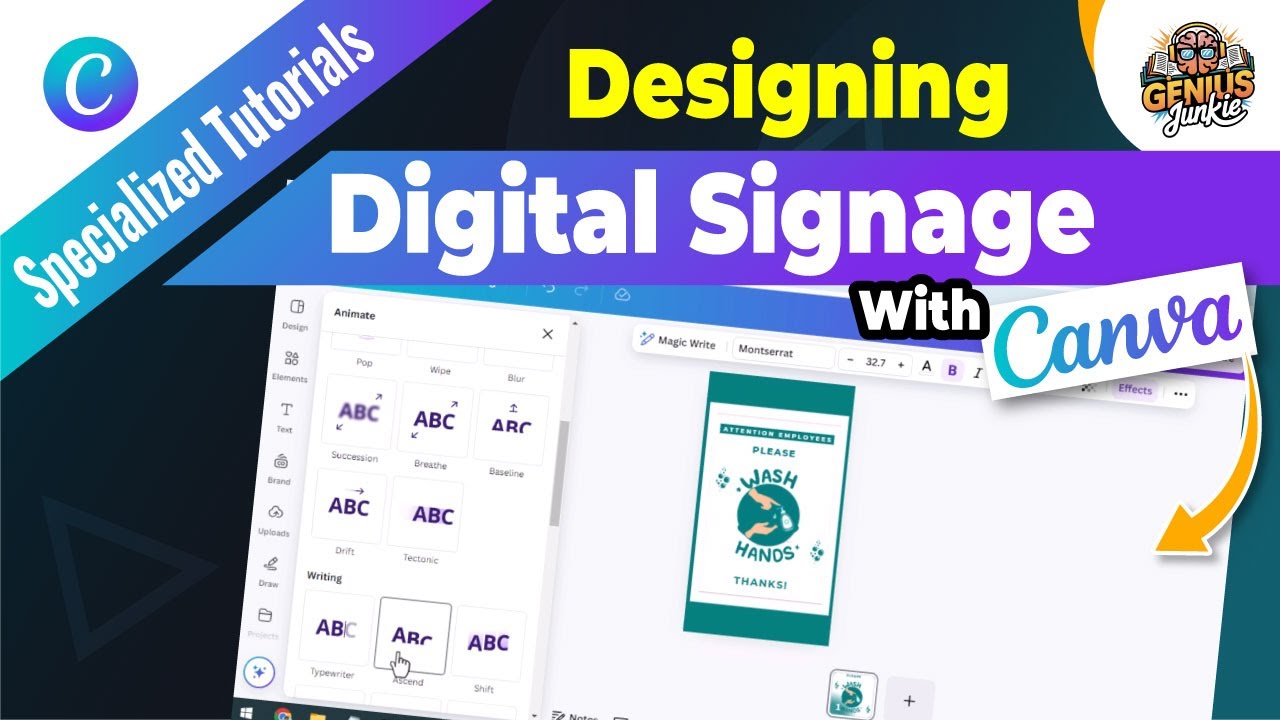
Stop the Snooze: Why Your Signage Needs a Digital Glow-Up!
Hey Genius Junkies! Ever look at your business signage and think... "meh"? In today's fast-paced world, static, uninspiring signs just don't cut it. You need something that grabs attention, communicates clearly, and looks professional. Good news – you don't need a design degree or expensive software to achieve it!
We're diving into how to create stunning, eye-catching digital signage using everyone's favorite design tool: Canva. Whether you need displays for a bustling restaurant, an exciting event, retail promotions, or even internal office communications, this guide will show you how to design professional and engaging visuals that capture attention instantly.
Canva: Your Secret Weapon for Dynamic Displays
Why Canva? Simple. It's user-friendly, packed with features, and perfect for non-designers. Forget complicated software; Canva empowers you to create professional-grade visuals with ease. Plus, they have a treasure trove of templates specifically designed for digital displays, making your design journey a breeze.
Your Step-by-Step Guide to Stunning Digital Signage with Canva
Ready to transform your displays? Let's walk through it:
1. Start with a Stellar Template
Head over to Canva and search for "digital signage" or specific types like "restaurant menu board," "event schedule," or "welcome screen." You'll be amazed by the variety of professionally designed templates. Pick one that aligns with your purpose and brand aesthetic – it's your starting point for greatness!
2. Customize Your Message & Visuals
This is where your content comes to life! Edit the text to convey your message clearly and concisely. Replace placeholder images with your own high-quality photos, graphics, or choose from Canva's extensive library. Remember, less is often more on a digital screen – keep it impactful!
3. Master Fonts, Colors, and Layouts
These elements are crucial for readability and visual appeal:
- Fonts: Choose easy-to-read fonts. Stick to 1-2 font styles for consistency. Bold headlines and clear body text are key for quick comprehension.
- Colors: Use colors that pop but are easy on the eyes. Ensure good contrast between text and background. Always align with your brand colors to maintain consistency!
- Layout: Keep your design clean and uncluttered. Utilize white space effectively to prevent visual overwhelm. Guide the viewer's eye to the most important information – think about how people naturally scan a screen.
4. Add Dynamic Elements (Optional)
If you have a Canva Pro account, you can take your signage to the next level by adding subtle animations or short video clips. Even a small animated arrow or a gentle fading text effect can make your message more engaging and memorable.
5. Download and Display!
Once your design is perfect, it's time to bring it to life! Download your creation in a suitable format – PNG or JPG for static images, or MP4 for animated designs. Most digital signage players and smart TVs support these common formats. Upload it to your display system and watch your message shine!
Key Takeaways for Impactful Digital Signage:
- Keep it Concise: Digital signage is for quick reads. Get straight to the point with minimal text.
- High-Quality Visuals: Blurry images are a no-go. Use crisp, professional photos or graphics.
- Clear Call to Action: What do you want viewers to do? Visit a website? Ask a question? Make it obvious.
- Brand Consistency: Always use your brand's fonts, colors, and logo to reinforce recognition.
- Test Readability: View your design from a distance to ensure it's easily readable and understandable.
Time to Elevate Your Displays!
Creating stunning digital signage doesn't have to be a headache. With Canva, you have all the tools you need to design professional, eye-catching displays that truly capture attention. So, stop using boring signs and start designing signage that works for you! Want to see these steps in action? Be sure to watch our full tutorial video for a complete walkthrough!