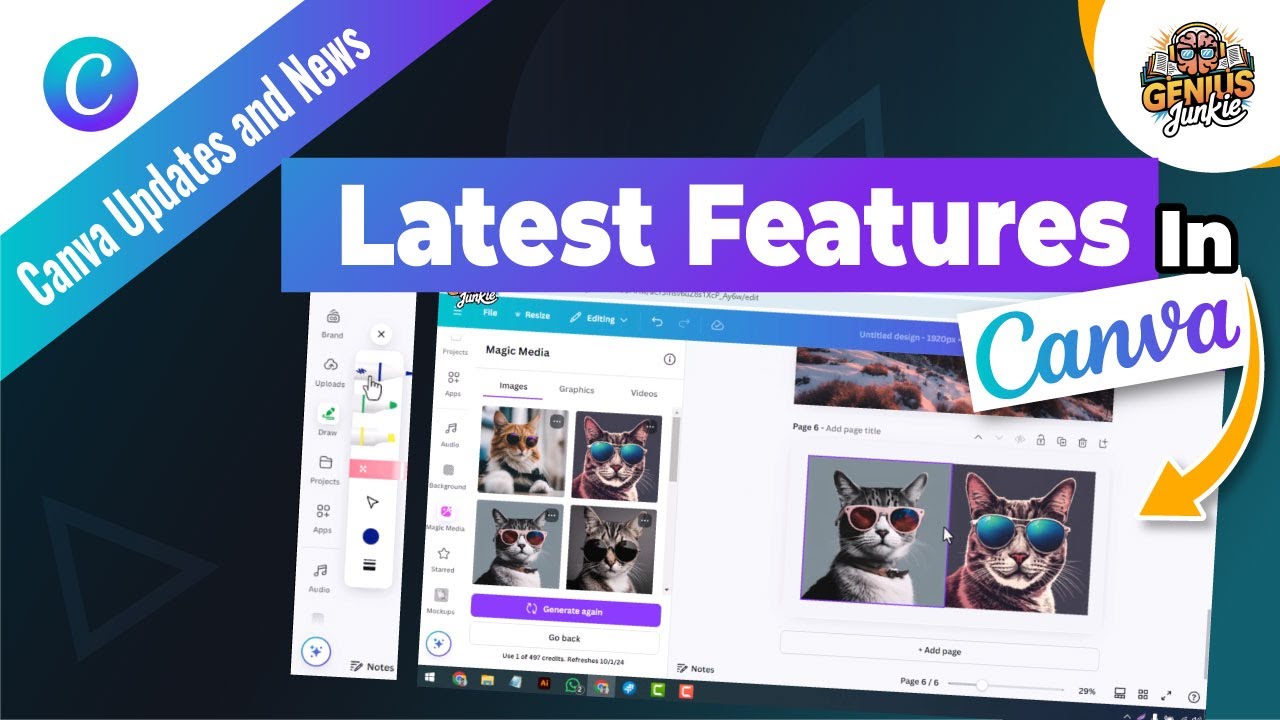
Ready to Supercharge Your Designs? Canva's 2024 Updates Are Here!
Hey Genius Junkies! Are you constantly looking for ways to make your designs pop, work smarter, not harder, and stay ahead of the curve? Good news! Canva has rolled out some incredible new features for 2024 that are set to completely transform your creative process. Whether you're crafting stunning Etsy shop banners, social media graphics, or intricate printables, these updates are game-changers.
In our latest tutorial, we dive deep into everything new, but here’s a sneak peek at how these innovative tools will elevate your projects and boost your design game!
Unleash Your Inner AI Artist with Canva's Magic Studio
The biggest buzz in Canva right now is undoubtedly the expanded Magic Studio suite. These AI-powered tools aren't just fancy; they're designed to save you time and spark endless creativity.
1. Magic Design: Instant Layouts & Ideas
Ever stared at a blank canvas, unsure where to start? Magic Design is your new best friend. Simply describe what you want, or upload an image, and Canva’s AI will generate a variety of design options tailored to your needs. This is perfect for:
- Quick Social Media Posts: Type in "Instagram post for spring sale" and watch the magic happen.
- Presentation Starters: Get a professional-looking base layout in seconds.
Pro Tip: Use Magic Design to get a head start, then customize with your brand colors and fonts. It's about accelerating your first draft, not replacing your creativity!
2. Magic Edit & Magic Grab: Flawless Photo Transformations
Say goodbye to complicated photo editing software! Canva’s enhanced photo tools make professional-grade edits accessible to everyone.
- Magic Edit: Select an object in your photo and describe what you want to change it to. Want to swap a plain mug for a branded one? Or change a flower's color? Magic Edit does it with impressive accuracy.
- Magic Grab: This incredible tool allows you to instantly select and separate any subject from its background. Once grabbed, you can move, resize, or even delete the subject independently. Imagine grabbing a product from one photo and seamlessly placing it into another – perfect for product mockups!
Creative Example: Use Magic Grab to lift your product from a lifestyle photo, then use Magic Edit to replace an accessory the model is holding with another one of your products. Instant, professional product photography!
3. Magic Write & Text to Image: Content Creation Made Easy
Content is king, and Canva is making it easier than ever to create compelling copy and visuals.
- Magic Write: Stuck on captions or blog post intros? Magic Write uses AI to generate text based on your prompts. It's fantastic for brainstorming headlines, writing short descriptions, or even getting ideas for your Etsy listing copy.
- Text to Image: Turn your wildest ideas into visuals. Describe the image you envision, and Canva's AI will generate it for you. This is a game-changer for creating unique graphics when stock photos just won't cut it, or for concepting mood boards.
Workflow Boost: Combine Magic Write for text and Text to Image for visuals to create entire social media campaigns from scratch in record time!
Best Practices to Stay Ahead
With these powerful new features, the key is to integrate them smartly into your existing workflow. Don't be afraid to experiment! The more you play around with Magic Studio, the faster you'll discover its full potential for your specific design needs.
- Start Small: Try one new feature per design project.
- Iterate: Use AI as a starting point, then refine with your unique creative touch.
- Stay Updated: Canva is always evolving, so keep an eye on their announcements and our tutorials for the latest tips!
Key Takeaways:
- Canva's 2024 updates, especially the Magic Studio suite, significantly enhance design capabilities.
- Magic Design provides instant layout ideas, saving time on initial drafts.
- Magic Edit and Magic Grab offer advanced, easy-to-use photo manipulation.
- Magic Write and Text to Image streamline content creation for both text and visuals.
- Experimentation and integration are key to leveraging these tools effectively.
Ready to see these features in action? Head over to our full YouTube tutorial, "Explore Canva’s Latest Features Boost Your Design Game in 2024!" and start revolutionizing your designs today. Your creative projects (and your time) will thank you!