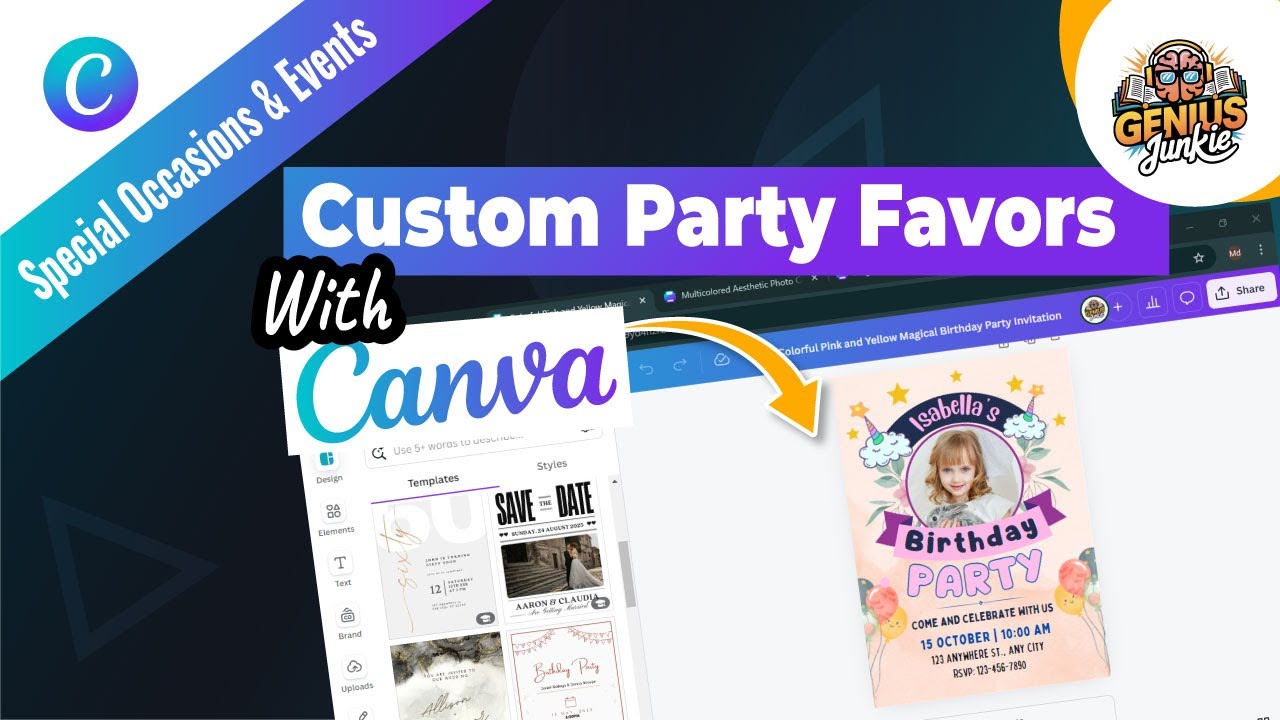
Unleash Your Inner Designer: Custom Party Favors with Canva!
Planning a party, shower, or wedding? You've got the venue, the guest list, and the perfect cake. But what about those little tokens of appreciation that truly make an event memorable? We're talking about custom party favors! Here at Genius Junkie, we believe everyone has a spark of design genius, and with Canva, you can easily create personalized party favors that will leave your guests saying, "Wow!"
Forget generic, store-bought trinkets. Imagine handing out favors that perfectly match your theme, feature your guest of honor's name, or even include a special photo. It's easier than you think, and in our latest YouTube tutorial, "Design CUSTOM Party Favors Like a Pro with Canva!", we walk you through every step. But if you're a reader like us, let's dive into the magic you can create!
Why Go Custom? The Magic of Personalized Party Favors
Custom party favors aren't just gifts; they're an extension of your event's personality. They show your guests you put thought and effort into every detail, creating a lasting impression long after the party ends. Whether it's a birthday, wedding, baby shower, or corporate event, a personalized favor elevates the experience and makes your celebration truly one-of-a-kind.
Designing Like a Genius Junkie: Your Canva Party Favor Blueprint
Canva is your secret weapon for incredible custom designs, even if you have zero prior experience. Its intuitive drag-and-drop interface makes professional-looking favors accessible to everyone. Here’s a peek into how you can transform your ideas into tangible treasures:
- Add Personalized Text: Change names, dates, thank you messages, or inside jokes. Choose from hundreds of fonts to match your vibe.
- Incorporate Images: Upload photos of the birthday boy/girl, the happy couple, or even your baby's ultrasound. You can also browse Canva's stock photo library for themed images.
- Design Elements & Branding: Play with colors, shapes, icons, and illustrations. Adjust backgrounds, add borders, or layer elements to create depth. Ensure your colors match your party theme for a cohesive look.
- Birthdays: Mini candy bar wrappers, personalized sticker sheets, custom juice box labels.
- Weddings: "Thank You" tags for small gifts, custom labels for mini champagne bottles, seed packet favors.
- Baby Showers: Labels for hand sanitizers, "It's a Boy/Girl" tags for small candles, personalized lip balm labels.
- Any Celebration: Custom water bottle labels, small gift box designs, personalized bookmarks.
Creative Spark: Ideas for Every Occasion!
The possibilities are endless! Here are just a few ideas to get your Genius Junkie gears turning:Think about the favor you want to give, then design the perfect wrapper, tag, or label to go with it!
Making It Yours: Personalization Power-Up!
This is where the magic truly happens! Once you have your template, it's time to infuse it with your unique touch.
Choosing Your Canvas: Templates Galore!
The beauty of Canva starts with its vast library of templates. No need to stare at a blank page! How to do it: Head to Canva and search for "party favor tags," "candy wrapper templates," "label templates," or even "mini box templates." You'll be amazed at the variety. Pick a template that aligns with your event's aesthetic or inspires your creativity. Remember, it's just a starting point!
Ready to see these steps in action? Don't forget to watch our full YouTube tutorial, "Design CUSTOM Party Favors Like a Pro with Canva!", for a visual, step-by-step guide and even more tips and tricks!
Key Takeaways
- Canva makes designing custom party favors simple and accessible for everyone.
- Start with Canva's extensive library of party favor templates to kickstart your design.
- Personalize your favors by adding custom text, uploading unique images, and incorporating various design elements.
- Custom favors add a memorable, personal touch to any celebration, from birthdays to weddings.
- Watch the accompanying video tutorial for a comprehensive visual guide and expert tips!