Hey, Genius Junkies!
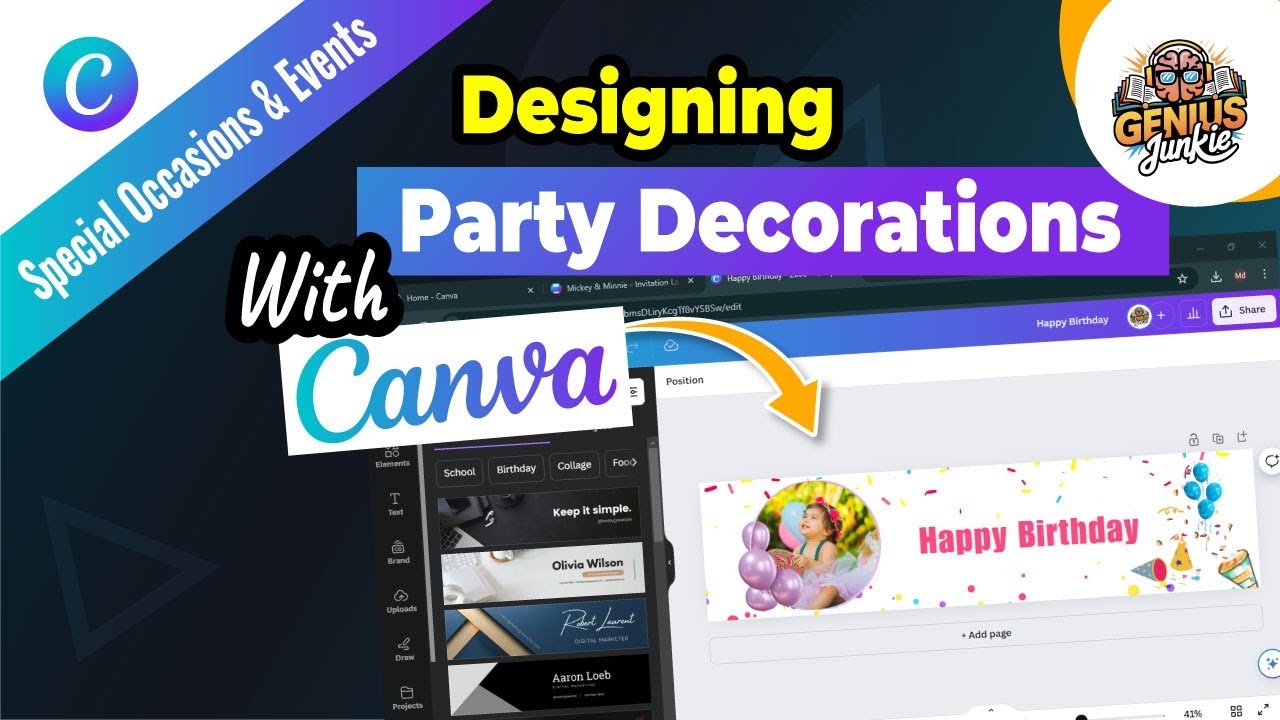
Ready to make your next party unforgettable? Ditch generic store-bought items – we’re diving into Canva to design stunning, professional, custom party decor!
Unleash Your Inner Party Planner with Canva
Canva isn't just for social media; it's a secret weapon for party planners! For birthdays, weddings, or baby showers, Canva offers intuitive tools to design eye-catching decorations with ease. You don't need to be a design pro to create professional banners, invitations, and labels. Imagination is your only limit!
Step 1: Choosing Your Perfect Party Template
Stunning decor often begins with a fantastic template. Canva boasts a massive library for every occasion. Here’s how:
- Search Smart: In the Canva search bar, type keywords like "birthday banner" or "party welcome sign."
- Filter & Explore: Browse results, using filters for style, theme, or color. Find templates that resonate with your party’s vibe.
- Select Your Base: Click on a template to open it. Remember, this is just your starting point – everything is customizable!
Step 2: Making It Uniquely Yours – Customization Magic!
Now for the fun part: making that template sing with your personal touch! Canva makes customization incredibly easy.
Text & Typography:
- Edit Existing Text: Click any text box to change wording (names, dates, messages).
- Font Fun: Explore Canva’s vast font library. Experiment with different fonts for headings and body text.
- Color & Size: Adjust font colors to match your party palette and resize text for readability.
Images & Elements:
- Upload Your Own: Personalize with photos! Upload pictures of the birthday person or happy couple.
- Canva’s Element Library: Dive into Canva’s collection of graphics, illustrations, and shapes. Search for specific themes (e.g., "balloons," "confetti") to add flair.
- Branding & Colors: Easily change element colors to align with your scheme. Drag, resize, and rotate elements for dynamic layouts.
Pro Tips for Eye-Catching Designs
To ensure your decorations truly pop, keep these design principles in mind:
- Consistency is Key: Stick to a consistent color palette and 2-3 complementary fonts across all decor.
- Readability First: Ensure all text is easy to read, especially from a distance. Choose clear fonts and good contrast.
- Less is More: Don't overcrowd designs. Give elements room to breathe for a clean, professional look.
Key Takeaways from This Tutorial
- Canva makes designing custom party decor accessible for everyone.
- Start by searching for and selecting a relevant template.
- Customize text, fonts, and colors to match your event.
- Incorporate personal photos and explore Canva's extensive element library.
- Prioritize consistency, readability, and a clean design for stunning results.
Ready to Design Your Dream Party Decor?
With Canva, designing stunning, custom party decorations is not only easy but incredibly fun! We hope this guide inspires you to unleash your creativity and craft decor that makes your next celebration truly unforgettable.
Want to see these steps in action? Watch our full video tutorial: How to Design Stunning Party Decorations in Canva! Don't forget to like, subscribe, and share your amazing Canva creations with us! Happy designing, Genius Junkies!