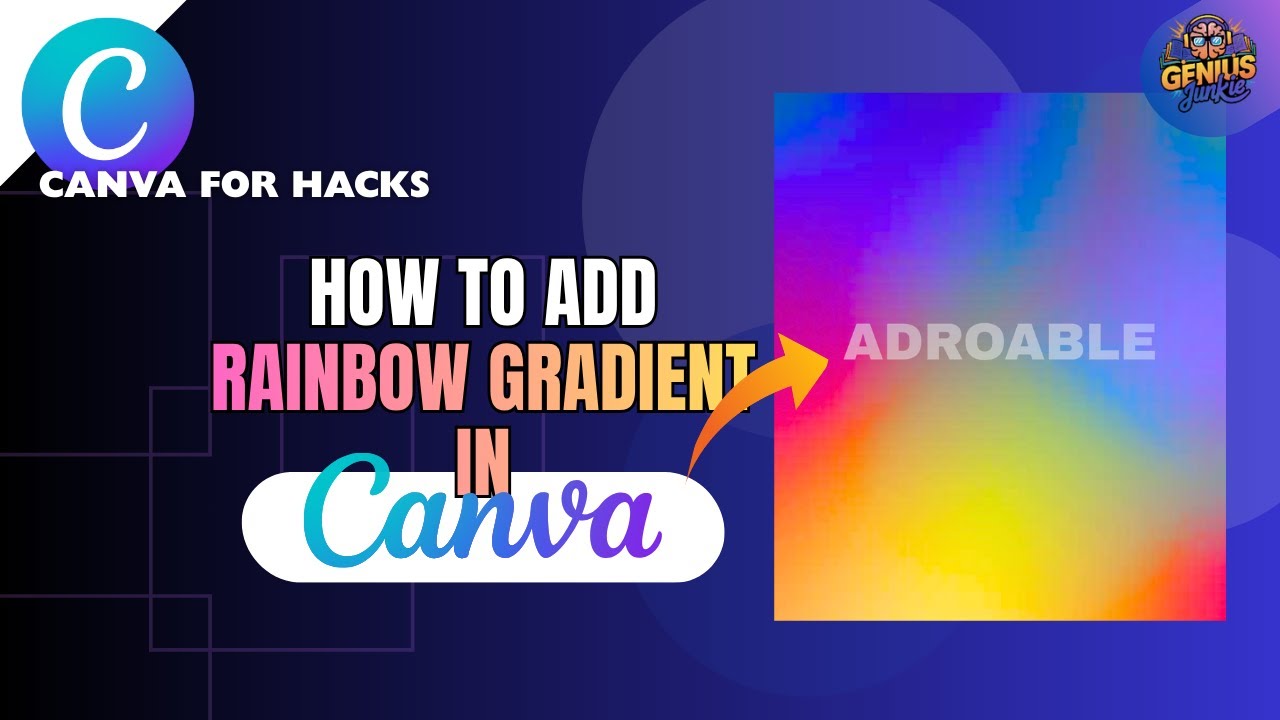
Unleash Your Text's True Colors with a Canva Hack!
Hey Genius Junkies! Are you ready to level up your Canva designs and make your text truly unforgettable? We all know how impactful a great design can be, but sometimes, plain old solid-colored text just doesn't cut it. What if you could infuse your words with a vibrant, smooth rainbow gradient, making them leap off the screen?
Good news! You absolutely can – and you don't need any fancy design software or complicated steps. Our latest YouTube tutorial reveals a brilliant Canva hack that lets you achieve that stunning gradient text effect with surprising ease. Get ready to transform your designs!
Why Gradient Text is Your New Design Superpower
Before we dive into the "how," let's chat about the "why." Gradient text isn't just pretty; it's a powerful design tool:
- Instant Eye-Catcher: Gradients naturally draw the eye, making your headlines, titles, and calls-to-action impossible to miss.
- Modern & Dynamic: It adds a contemporary, professional, and energetic feel to any design.
- Brand Personality: Use gradients to reflect a fun, creative, or sophisticated brand identity.
- Versatility: Perfect for everything from social media posts and YouTube thumbnails to event flyers, presentations, and digital products.
Imagine your next Instagram quote post, Etsy banner, or presentation slide featuring text that literally glows with color. That's the power of this hack!
Your Step-by-Step Guide to Gradient Glory (No External Apps Needed!)
Our video tutorial walks you through every single click, but here’s a quick overview of what you’ll be doing. The best part? This method keeps you 100% within Canva, leveraging its clever features to achieve a professional look.
- Start with Your Text: First things first, type out the text you want to transform. Choose your font and size. This is your blank canvas!
- Find Your Gradient Magic: Head over to the "Elements" tab in Canva. This is where the real fun begins! You'll discover the perfect gradient shapes or elements that we'll use to bring your text to life.
- The Genius Hack: This is where our tutorial reveals the "secret sauce"! You'll learn how to ingeniously combine your text with a chosen gradient element using Canva's built-in tools. It's a clever layering and effect trick that makes the gradient appear inside your text, giving it that seamless, professional finish. No complicated masking or external software required!
- Fine-Tune and Personalize: Adjust the positioning, size, and even the colors of your gradient to match your desired aesthetic. Want a subtle fade or a bold rainbow burst? You're in control!
- Save and Reuse: Once you've perfected your gradient text, we'll show you how to save it as a reusable template or element. This means you can quickly drag and drop your custom gradient text into future designs, saving you tons of time!
It’s truly the easiest way to get this stunning effect. You'll be amazed at how quickly you can master it!
Key Takeaways from This Canva Hack
- You can create beautiful gradient text directly in Canva.
- No external apps or complicated software are required.
- The process involves a clever use of Canva's existing elements and features.
- You can easily save your gradient text creations for future use.
- This hack is perfect for adding a professional and dynamic touch to all your designs.
Ready to Design?
Stop settling for boring text! Watch our full video tutorial now to see this Canva hack in action and get all the step-by-step guidance you need. You'll be creating stunning gradient text in minutes, ready to make your social media posts, thumbnails, flyers, and other designs truly shine.
Don't forget to:
- LIKE the video if you found this hack helpful!
- SUBSCRIBE to the Genius Junkie channel for more incredible Canva design tips and Etsy tutorials.
Happy designing, Genius Junkies!