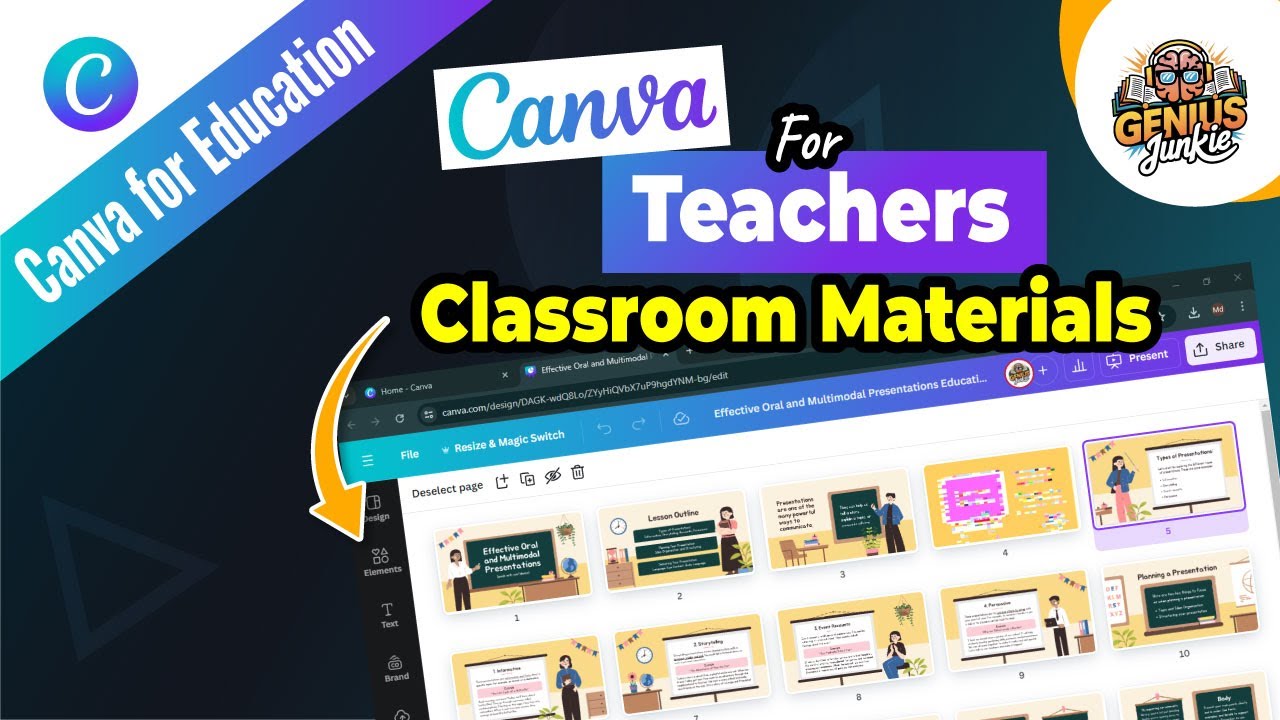
Hey Genius Junkies! Are you a teacher looking to inject some serious creativity and engagement into your classroom materials? Tired of the same old worksheets and presentations? Well, you've come to the right place!
At Genius Junkie, we're all about making design simple and accessible, and today we're focusing on our incredible educators. Our latest YouTube tutorial, "How to Create Engaging Classroom Materials in Canva," is specifically designed to help teachers like you transform your resources from drab to fab!
Why Canva is a Game-Changer for Educators
Canva isn't just for social media gurus or small business owners; it's an absolute powerhouse for teachers! Imagine creating professional-looking, vibrant, and interactive materials without needing a design degree. Canva's intuitive drag-and-drop interface and vast library of templates make it incredibly easy to:
- Save Time: Start with a template and customize in minutes.
- Boost Engagement: Visuals are key to capturing student attention and making learning fun.
- Personalize Learning: Tailor materials to your specific curriculum, student needs, and classroom theme.
- Look Professional: Impress students, parents, and colleagues with polished, high-quality designs.
What You'll Discover in Our Canva for Teachers Tutorial
In our comprehensive video, we walk you through every step of harnessing Canva's power for your classroom. Here’s a sneak peek at what you’ll master:
- Design Anything and Everything: Forget generic. We'll show you how to design custom worksheets, dynamic lesson plans, captivating presentations, eye-catching posters, and even fun digital activities tailored to your subject.
- Customize Like a Pro: Learn to take any of Canva’s thousands of education-specific templates and make them uniquely yours. Change fonts, colors, layouts, and easily add your own text, images, and branding.
- Infuse Fun with Visuals: Discover how to effortlessly add graphics, illustrations, photos, and icons to make your lessons pop. Visuals aren't just pretty; they aid comprehension, retention, and make learning more approachable!
- Make it Interactive: Go beyond static pages. We'll give you tips on how to incorporate elements that encourage student interaction and active participation, whether for digital use on a smartboard or for print-and-cut activities.
- Save & Share with Ease: Understand the best ways to save your designs for various uses – high-quality printables, digital PDFs for online learning platforms, or even interactive presentations that can be shared directly.
Whether you're new to Canva or looking to deepen your skills, this tutorial provides actionable insights and step-by-step guidance to elevate your teaching resources.
Ready to ditch the dull and embrace dynamic? Click play on our video below and start designing materials that your students will love and remember!
Watch the full tutorial here: [Link to YouTube Video]
Key Takeaways for Genius Teachers
- Canva offers an intuitive, user-friendly platform to create diverse classroom materials.
- Customizing existing templates saves significant time while ensuring a professional, cohesive look.
- Adding engaging visuals and interactive elements significantly boosts student interest and learning.
- Canva supports various output formats, making designs versatile for both digital and print use.
- You don't need prior design experience to create stunning, effective educational resources with Canva.
Empower your teaching and ignite your students' curiosity with materials that truly stand out. Canva puts incredible design power right at your fingertips, and our Genius Junkie tutorial makes it super easy to get started.
What kind of classroom materials are you excited to create with Canva? Let us know in the comments below!