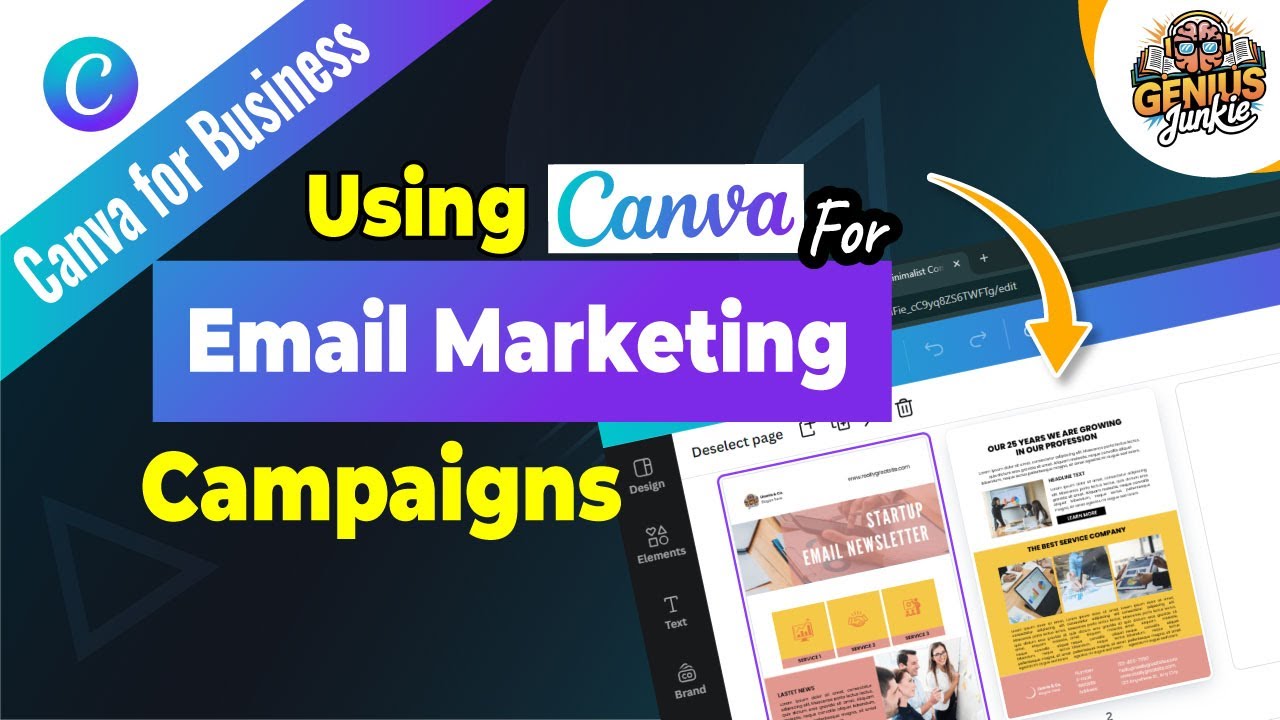
Tired of your email marketing campaigns looking a little... drab? In today's crowded inboxes, standing out is more crucial than ever. If your emails aren't visually engaging, you're missing a huge opportunity to connect with your audience, build your brand, and drive results. But don't worry, you don't need to be a design guru to create stunning email content!
Here at Genius Junkie, we're all about making powerful design accessible. That's why we're diving into how you can leverage Canva to transform your email marketing campaigns from bland to brilliant. Get ready to boost engagement, click-throughs, and conversions with beautiful, professional designs!
Why Visuals Are Non-Negotiable in Email Marketing
Think about your own inbox. Which emails do you open? Which do you scroll past? Chances are, the ones that catch your eye with compelling visuals are the winners. Visual content:
- Grabs Attention: A striking image or well-designed layout instantly stands out.
- Communicates Faster: Graphics can convey complex information quicker than text alone.
- Builds Brand Identity: Consistent design reinforces your brand's look and feel.
- Increases Engagement: Visually appealing emails encourage readers to spend more time with your content.
- Drives Action: A clear, well-designed call-to-action button is more likely to be clicked.
Your Step-by-Step Guide to Designing Email Graphics in Canva
Canva makes it incredibly simple to create designs that look like they were made by a professional. Here’s how you can get started:
- Start with the Right Canvas: Open Canva and search for "Email Header," "Email Marketing," or "Newsletter" templates. This ensures your design is sized appropriately for email platforms.
- Choose a Template or Start from Scratch: Canva offers a vast library of pre-designed templates. Pick one that aligns with your brand and campaign goal, or start with a blank canvas for full creative freedom.
- Customize with Your Brand Kit: This is where your brand truly shines! Upload your logo, use your brand colors, and select your brand fonts. Consistency is key for recognition.
- Add Engaging Elements:
- Images & Videos: Use high-quality photos, illustrations, or even short GIFs that resonate with your message.
- Text: Craft compelling headlines and body copy. Keep it concise and easy to read.
- Call-to-Action (CTA): Design a clear, prominent button that tells your audience exactly what to do next (e.g., "Shop Now," "Read More," "Download Guide").
- Optimize for Email & Mobile: Keep file sizes small to ensure fast loading. Always consider how your design will look on various devices, especially mobile phones. Canva’s responsive design features help, but always preview!
Best Practices for Eye-Catching Email Campaigns
To ensure your Canva designs truly shine in the inbox, keep these tips in mind:
- Keep it Simple: Don't overcrowd your design. Less is often more when it comes to email visuals. Focus on one main message per section.
- Brand Consistency: Use your brand's colors, fonts, and logo consistently across all your email designs.
- Clear Call-to-Action: Make your CTA impossible to miss. Use contrasting colors and clear action-oriented text.
- Mobile Responsiveness: A significant portion of emails are opened on mobile. Ensure your designs look fantastic and are easy to read on smaller screens.
- Test Everything: Before sending, always send a test email to yourself and colleagues. Check for broken links, image loading, and overall appearance on different devices and email clients.
Key Takeaways
- Canva simplifies the creation of visually engaging email marketing content.
- Visuals are crucial for grabbing attention, building brand, and driving engagement.
- Utilize Canva's templates, brand kit, and diverse elements for customization.
- Always optimize designs for email platforms and mobile responsiveness.
- Follow best practices: simplicity, brand consistency, clear CTAs, and thorough testing.
Ready to put these tips into action and revolutionize your email marketing? Watch our full step-by-step video tutorial, "How to Use Canva for Email Marketing Campaigns," for a live walkthrough and even more detailed insights!
Don't forget to like this post, subscribe to Genius Junkie for more design and Etsy tutorials, and let us know in the comments what you're designing next!